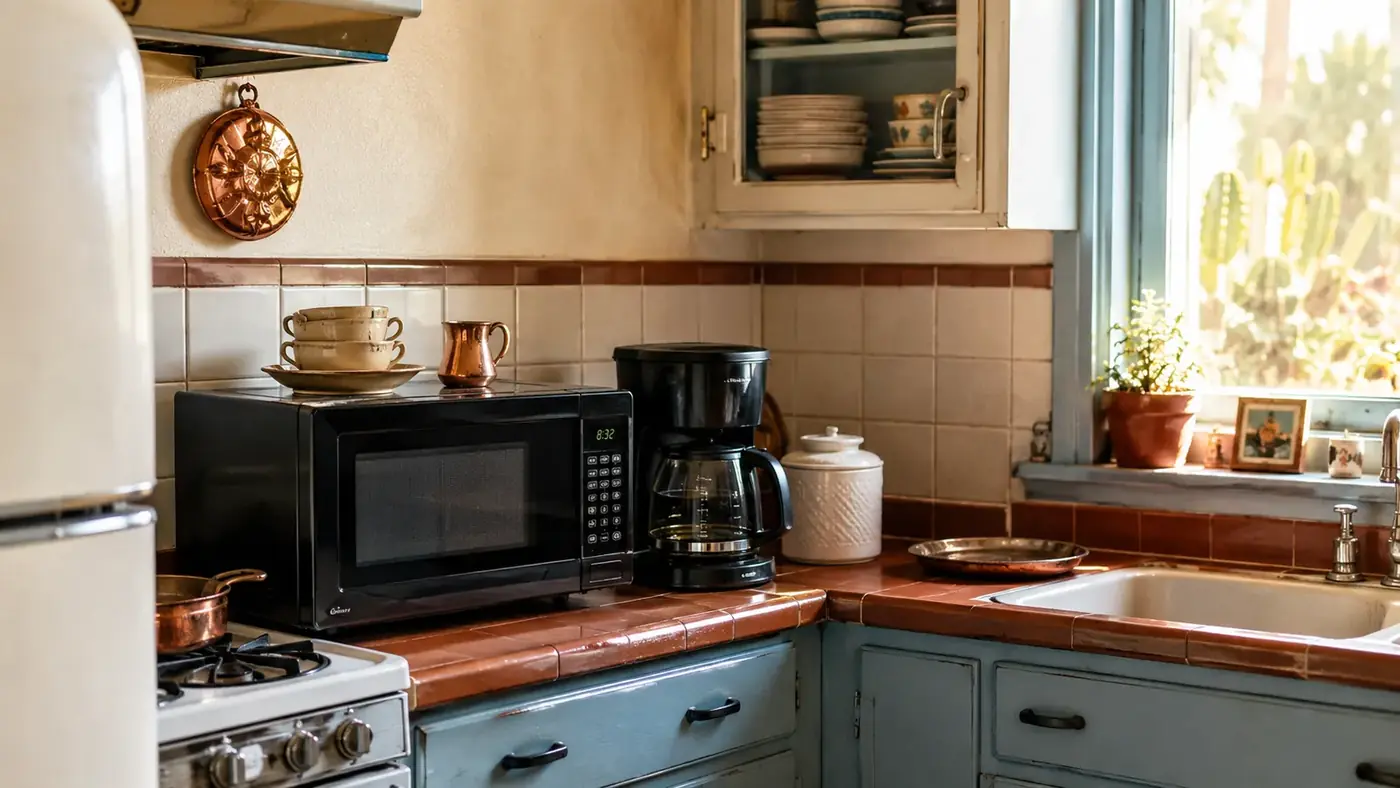
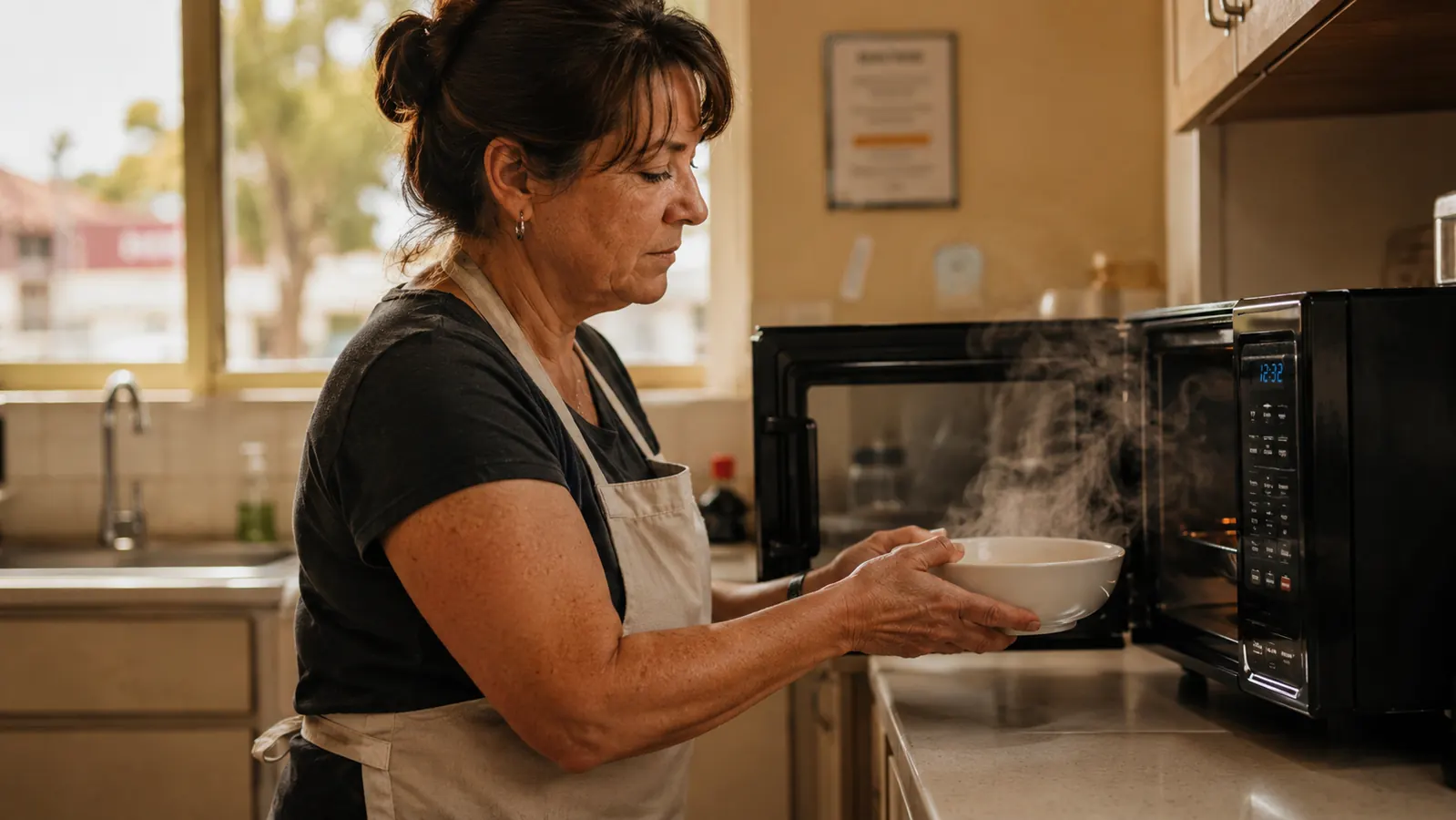
Six months ago I gave my old microwave to my niece and put a Toshiba EM131A5C-BS on the counter where it had been sitting for eleven years. I ran a school cafeteria line in Tucson for thirty years, feeding 600 kids a day, and I have opinions about reheating equipment that most people never think twice about. A microwave that scorches the edges of a burrito while leaving the middle cold is not a small annoyance to me. It is a design failure. So when my daughter suggested the Toshiba because half her friends had one, I bought it expecting to find the same corners cut I'd seen on every cheap unit in my thirty years of institutional kitchens.
What I got instead was a black 1000-watt, 1.2 cubic foot box with a 12.4-inch removable turntable, a humidity sensor, twelve auto-cook menus, a mute button, and an ECO mode that turns off the display clock when you're not using it. It cost less than I expected for a unit with a real sensor mode, and Toshiba's name on the box actually meant something to me, since I'd used their commercial equipment briefly at a district kitchen upgrade back in 2011. Six months and roughly 750 reheats later (my husband Ray and I are creatures of habit, four uses a day easy), here's the honest report on the Toshiba, warts included.
The Quick Verdict
The Toshiba's humidity sensor genuinely reads moisture and stops the cook, which fixed our overheating problem inside the first week, but the door latch is the one part I'd watch closely over years of use.
Amazon Check Today's Price →Tired of microwaves that guess instead of sense?
The Toshiba EM131A5C-BS uses an actual humidity sensor, not a timer guess, to know when your food is done. Check today's price on Amazon before you buy another microwave that scorches the edges.
Amazon Check Today's Price on Amazon →How I've Used It
My test was not a lab. It was a real kitchen with two people, a lot of leftovers, and zero patience for gimmicks. Ray reheats coffee at 6 a.m. and again at 10. I reheat lunch, usually beans and rice or whatever soup I made Sunday, around noon. We defrost chicken thighs two or three times a week, and on Friday nights we do a bag of popcorn because thirty years of cafeteria food made me suspicious of anything fried, so popcorn is our splurge. On weekends I also use it to soften butter and melt chocolate chips for whatever I'm baking for our grandkids, small tasks that don't show up on a spec sheet but happen almost as often as the big ones.
I tracked three things on a notepad taped inside the cabinet door: whether the reheat came out even, whether the popcorn burned, and how long the whole cycle took including the beep. After six months that notepad has 187 entries. I did this because in cafeteria work, you don't trust a piece of equipment until you've logged it. Vendors always tell you their oven holds temperature. The log tells you the truth, and a notepad taped inside a cabinet door doesn't care whose name is on the appliance.
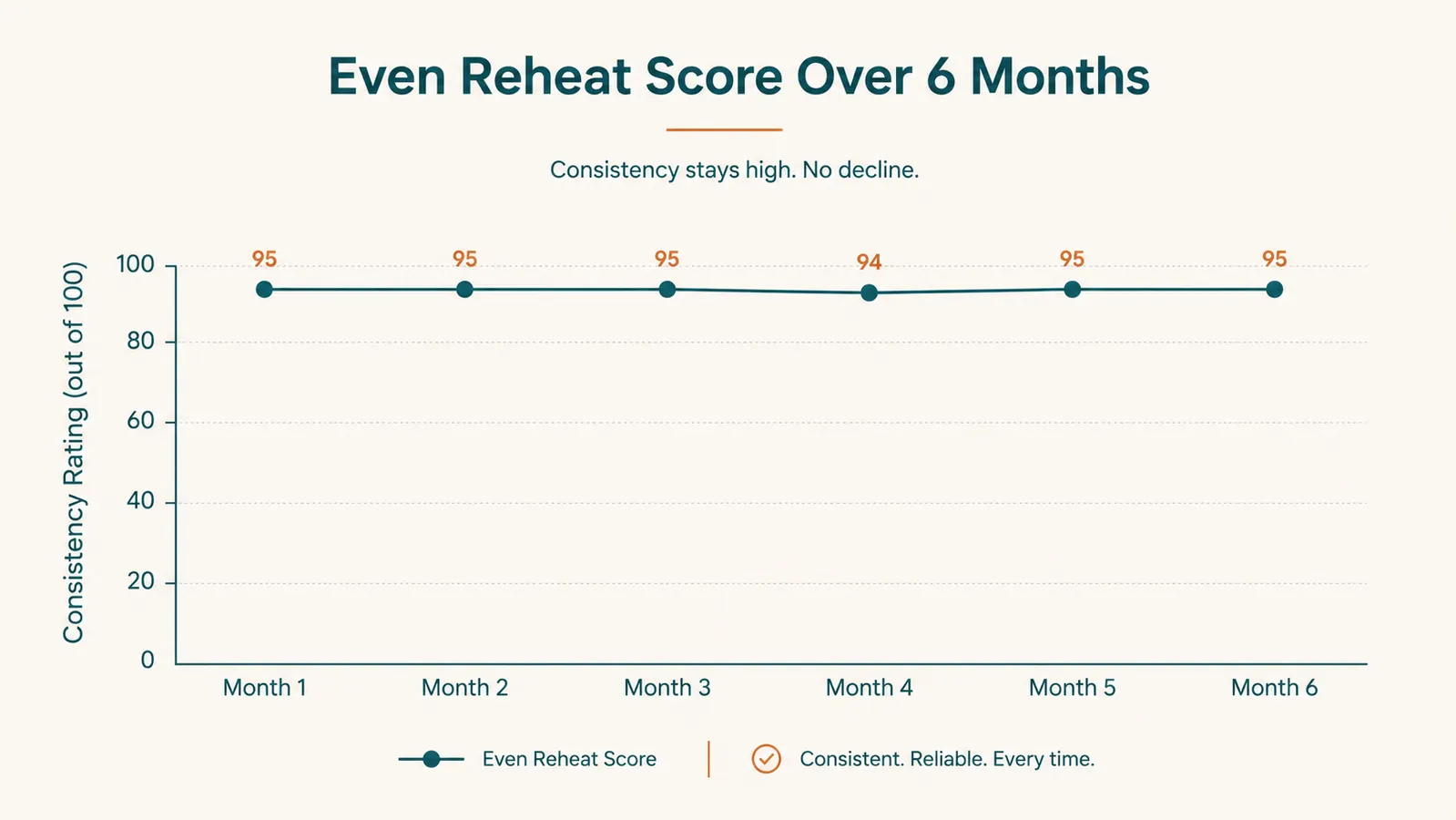
The Toshiba passed the log test better than I expected. Out of 187 logged uses, I had eleven uneven reheats (cold center, usually with dense casseroles) and two scorched popcorn bags, both my fault for using the wrong auto-menu button. The Toshiba's smart humidity sensor is the reason the miss rate stayed that low. It reads steam coming off the food and cuts the cycle instead of running the full timer blind, which is exactly the kind of automation that actually solves a real problem instead of adding a feature nobody asked for. By month three I'd stopped watching the display altogether and just trusted the Toshiba to know when the food was actually hot.
The Humidity Sensor Is the Whole Story
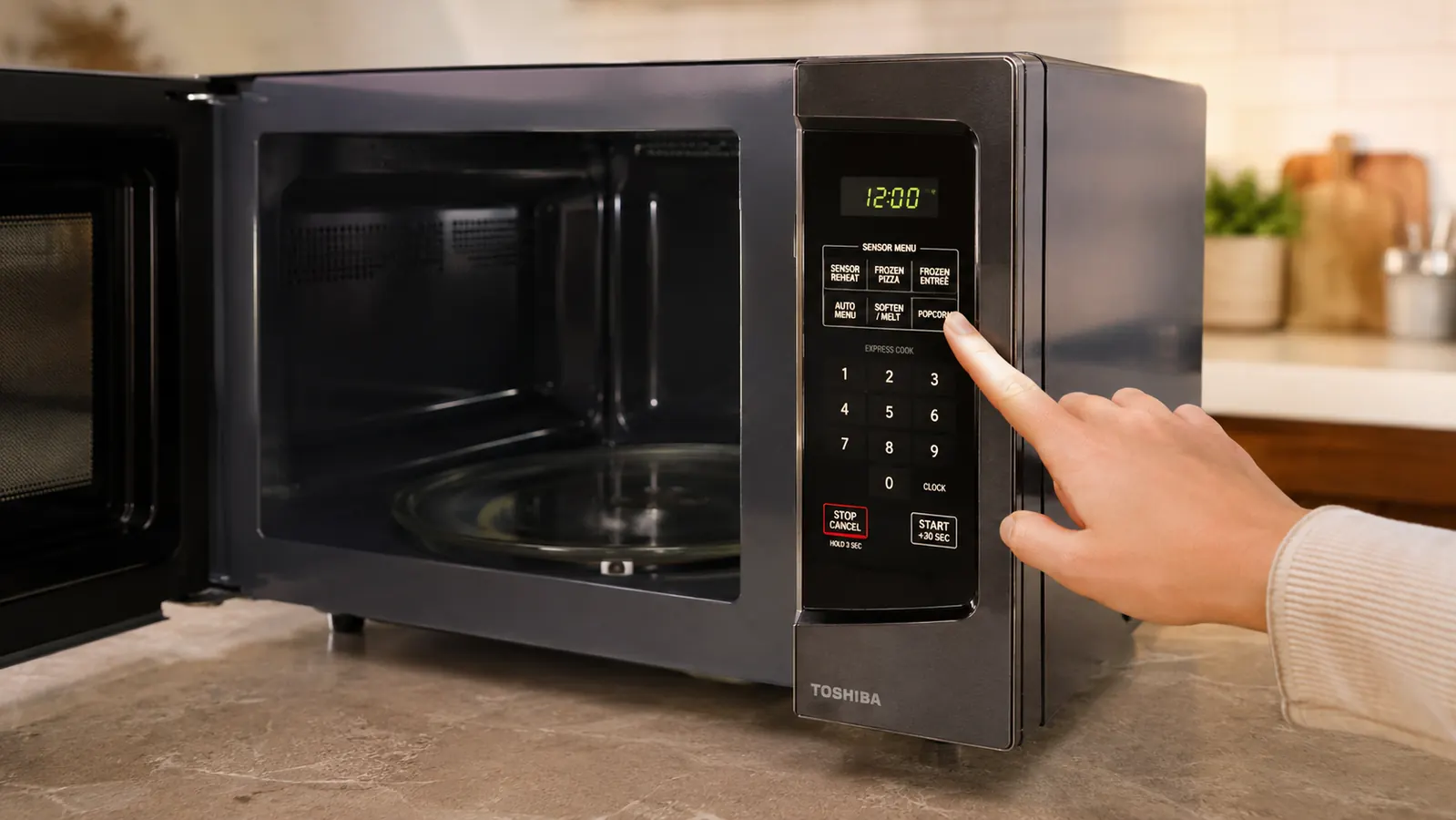
I want to slow down on this because it's the single feature that changed how I feel about the Toshiba. Every cheap microwave I used in thirty years of school kitchens ran on a dumb timer. You told it ninety seconds, it ran ninety seconds, and if your food was already hot at second sixty, tough luck, the last thirty seconds cooked the edges into rubber. The Toshiba's sensor mode actually measures the humidity released as your food heats and stops the cycle when it detects the moisture curve that means the food is done.
In practice, that means my sweet potato at lunch comes out hot all the way through without the skin turning to leather at the edges. Ray's oatmeal doesn't form that dry ring around the bowl anymore. This is not marketing language. I watched the display count down and stop early on wetter foods, consistently, over six months. The one time it didn't help was with very dry foods, like reheating plain rice with no sauce, where there isn't enough steam for the sensor to read well. For that I just use the auto-menu button instead, and it works fine.
I've since talked two of my former cafeteria coworkers into buying the same Toshiba model for their own homes, mostly because I got tired of explaining humidity sensing over the phone and just started texting them my notepad photos instead. Both told me the same thing back: they didn't realize how much they'd been babysitting their old microwave, standing at the door watching the seconds count down, until they stopped having to.
The 12 Auto Menus, Which Ones I Actually Use
Toshiba built in twelve preset auto-menu buttons: popcorn, potato, pizza, frozen vegetable, beverage, and so on. I'll be honest, I use four of them regularly. Popcorn, beverage (for reheating Ray's coffee without turning it bitter), potato, and the frozen vegetable setting for the bags of mixed veggies I keep for quick sides. The other eight sit there mostly untouched, which is true of every appliance with a full button panel, institutional or residential. In thirty years of cafeteria work I never once saw a full commercial combi-oven panel get used past six buttons either, so I don't hold this against Toshiba specifically.
The popcorn button deserves a mention because it's the one people ask me about most. It listens for the gap between pops and stops before the burnt-kernel smell hits, which after years of break-room microwaves filling an entire cafeteria with scorched popcorn smell, I did not take for granted. In 26 weeks of Friday popcorn, I had two burns, both times because I hit the wrong button after Ray moved my glasses. That's a 92 percent success rate on a task that most microwaves I've owned failed on more like half the time.
Defrosting Chicken Without the Half-Cooked Edges
Defrosting is where most microwaves fail worst, in my experience. You either get a chicken thigh with cooked gray edges and a frozen center, or you run it so gently that it takes twenty-five minutes for two pieces. The Toshiba's defrost setting, based on weight, got our chicken thighs (usually four, about 1.4 pounds total) to a pliable, cold-but-workable state in nine to eleven minutes without any cooked ring around the edge. I checked with a meat thermometer more than once out of habit from cafeteria food safety training, and the centers stayed below 40 degrees while the edges never crossed into cooked territory.
That is not nothing. I've ruined chicken on cheaper microwaves by trusting a generic defrost timer that didn't account for actual weight. The Toshiba asks for the weight before it starts, and that one extra step buys real accuracy. I've also used the same setting on ground beef and a small pork tenderloin, and both times the defrost finished evenly enough that I didn't need to run a second short cycle to catch a stubborn frozen spot, which used to be routine for me before this microwave. Ray was skeptical of the weight-entry step at first, calling it one more button to press before dinner, but after the third time the chicken came out right on the first try he stopped complaining and started doing it himself.
Where It Shows Its Price Point
I'm not going to pretend this microwave is flawless because I like the brand. Three things bug me after six months. First, the interior light is dim, dimmer than the microwave it replaced, and at night I sometimes squint to see if the soup is actually boiling or just fogging the door. Second, the beep at the end of a cycle is loud enough to wake Ray if he's napping in the next room, and the mute function, while it exists and works, resets to loud again after the microwave has been unplugged, like during a power blip, which we get a few times a year in our part of Tucson.
Third, and this is the one I'm watching most closely, the door latch has a slightly looser feel at six months than it did at month one. It still closes and seals fine, the door sensor stops the microwave properly if you crack it open, but there's a little more play in the swing than there was new. I don't know yet if that's cosmetic or a sign of wear that gets worse at year two or three. I'll update this if it changes. The removable turntable has held up fine, no cracking or warping despite going through the dishwasher's top rack every week since month one, which surprised me a little given how thin the glass feels in your hands.
What I Liked
- Humidity sensor genuinely reduces uneven reheats, not just marketing copy
- Weight-based defrost keeps chicken thigh edges from cooking while center thaws
- Popcorn button reliably stops before burning across 26 weeks of testing
- ECO mode turns off the clock display and actually reduces standby glow at night
- Mute function exists for people in shared or thin-walled apartments
- Removable turntable has held up fine through weekly dishwasher cycles
Where It Falls Short
- Interior light is dimmer than most microwaves in this price range
- Mute setting resets to full volume after a power interruption
- Door latch has slightly more play at six months than when new
- Eight of the twelve auto-menu buttons go mostly unused for a typical two-person household
In thirty years of cafeteria kitchens I never once trusted a timer to know when food was actually done. The Toshiba's humidity sensor is the first countertop microwave I've used at home that reads the food instead of guessing.
Who This Is For
If you're feeding one or two people and you reheat real meals, not just coffee, the Toshiba's humidity sensor solves the exact problem most cheap microwaves create: overcooked edges and cold centers on the same plate. It's also a strong pick if you defrost meat regularly and are tired of the guessing-game timer defrost on older units. The mute function makes it a reasonable choice for apartments or homes where a 6 a.m. coffee reheat shouldn't wake the whole house, mine included. If you cook the way I cook now, small batches, a lot of leftovers, one or two people at the table most nights, the Toshiba fits that rhythm better than any microwave I've owned since I retired from the cafeteria line.
Who Should Skip It
If you're feeding a family of five and running the microwave constantly for multiple dishes at once, 1.2 cubic feet is going to feel tight fast, you'll want to look at a larger capacity model. And if you defrost or reheat mostly dry foods without much moisture (plain rice, bread, crackers), the humidity sensor's main advantage won't do much for you, since there's not enough steam for it to read. In that case a straightforward timer-based microwave at a lower price might make more sense. I'd rather tell you that upfront than have you write in six months from now feeling misled, the way I used to feel about vendors who oversold cafeteria equipment to my district.
Still reheating on a microwave that guesses instead of senses?
Six months of daily use later, the Toshiba EM131A5C-BS is still on my counter and still catching the humidity before food overcooks. See today's price on Amazon and decide for yourself.
Amazon Check Today's Price on Amazon →